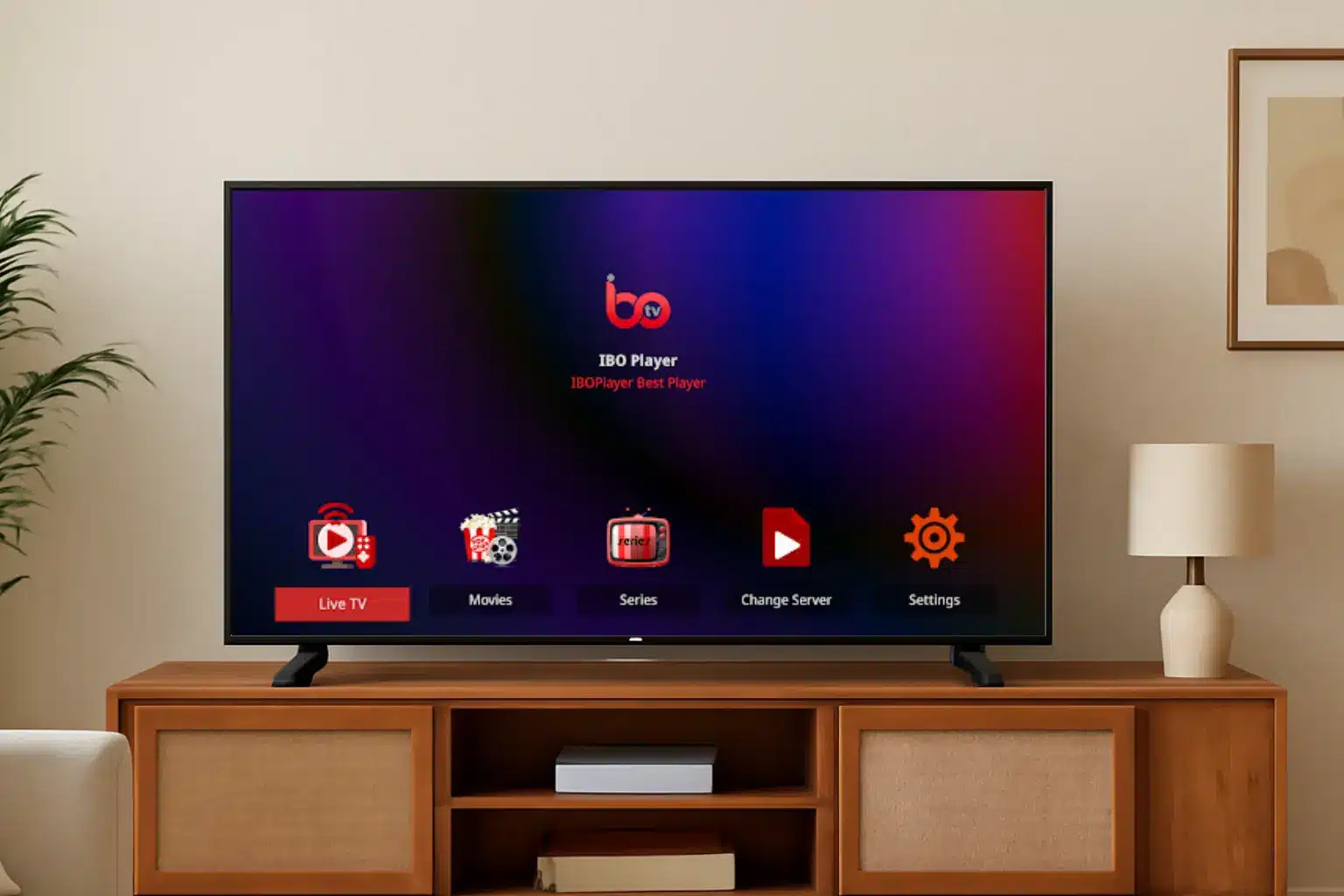
If you’re searching for a reliable IPTV app that works across Smart TVs, Android devices, FireSticks, and more — IBO Player might be the solution. In this guide, we walk you through how to install, activate, and use IBO Player with your IPTV subscription, step by step.
Whether you want live TV, movies, or series on demand, IBO Player makes setup easy and fast.
What is IBO Player?
IBO Player is an IPTV-compatible player that doesn’t come with built-in content; instead, it lets you load your own IPTV subscription (via M3U link or Xtream codes). Once configured, it becomes the interface for live channels, VOD, and TV guide (EPG).
It’s popular because it’s compatible with many devices (Smart TVs, Android, Fire TV, iOS, etc.) and supports modern playlist formats — which makes it a versatile choice for IPTV users.
Devices Supported by IBO Player
– Smart TVs (Samsung, LG, Android TV)
– Android phones & tablets / Android TV boxes
– Fire TV / FireStick (via APK)
– iOS devices (iPhone / iPad) via App Store (where available)
That broad compatibility means you can use IBO Player on nearly any screen — TV, tablet, smartphone, or streaming box.
How to Install IBO Player and Load Your IPTV Subscription
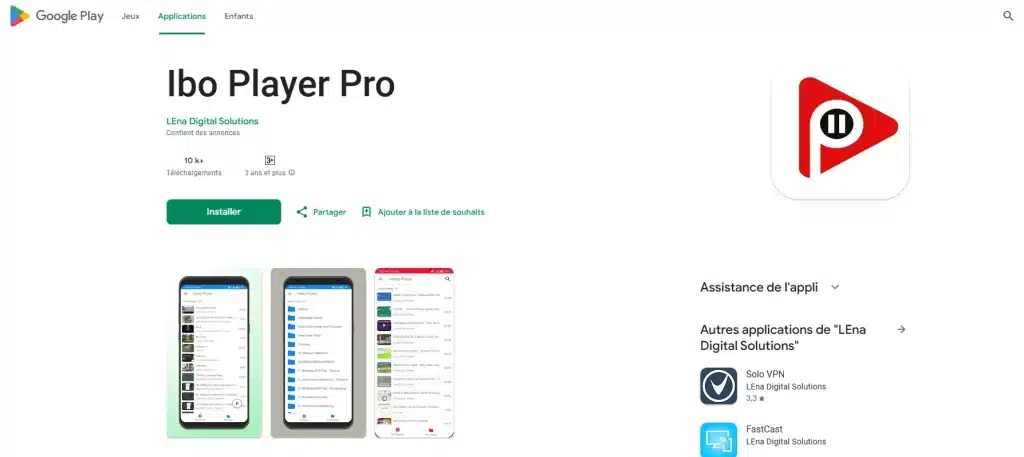
Step 1 — Download the App
- On Smart TVs: Open your TV’s app store (Samsung Store / LG Content Store / Google Play on Android TV), search “IBO Player”, and install.
- On Android / Android TV / FireStick: Use official store or install via APK if necessary.
- On iOS: Use the App Store (if available in your region) to get IBO-Player.
Step 2 — Note Your Device Credentials
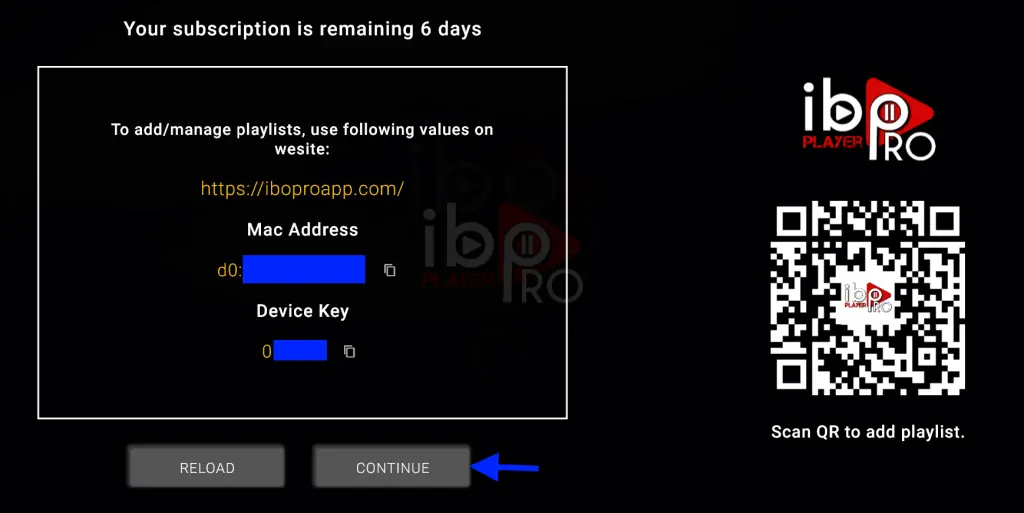
Once you open IBO-Player, the app will display a Device ID (MAC address) and a Device Key. Save both — you’ll need them to activate and link your subscription.
Step 3 — Activate Your Device
Using a browser (on PC or mobile), visit the official IBOPlayer portal, then enter your Device ID and Device Key to log in.
Some services may offer a free trial (often 7 days), after which you can purchase a full activation license if required.
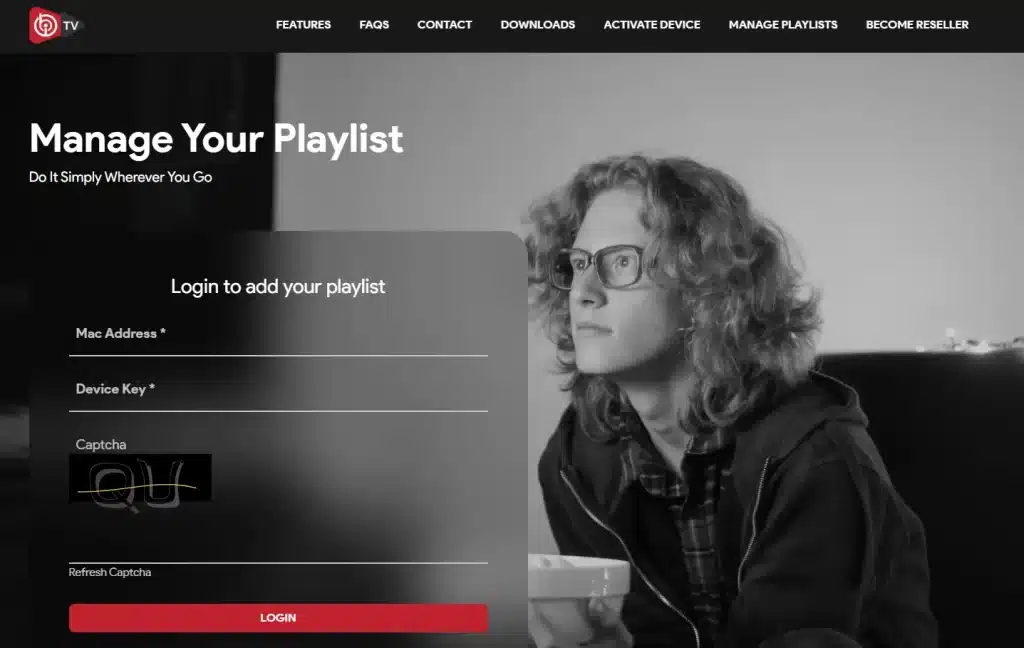
Step 4 — Add Your IPTV Playlist
You have two main methods:
- M3U Playlist URL: In “Add Playlist”, paste the M3U link you got from your IPTV provider.
- Xtream Codes / API login: Input the server URL, username, and password — supported by many providers.
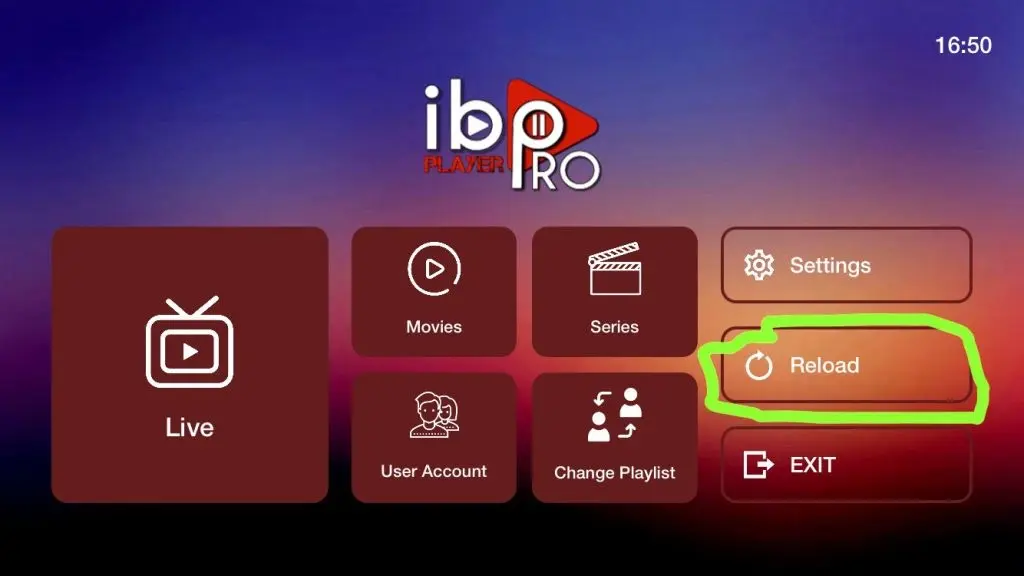
Once saved, restart IBOPlayer — your channels, live TV, movies, and series should load automatically.
Why Choose IBO APP for Your IPTV Subscription?
Compatibility & Flexibility: Works on nearly every popular device (Smart TVs, Android, Fire TV, iOS).
User-friendly Setup: Simple steps — install, activate, add playlist — done.
Playlist Options: Supports M3U and Xtream Codes — compatible with most IPTV providers.
Clean, Lightweight Interface: No built-in content; you control what you stream.
Free Trial Option: Some providers offer a trial before purchase, which lets you test quality.
Important Tips for Best IPTV Experience with IBO-Player
- Use a stable internet connection — preferably wired or strong Wi-Fi (5 GHz) — to avoid buffering.
- If on a FireStick or TV box, enable “Apps from Unknown Sources” if installing via APK.
- Use correct playlist credentials (M3U or Xtream) — typos are a common cause of failures.
- After updating playlist or activation, restart the app to load content properly.
FAQ — Common Questions About IBO Setup
Is IBO Player free?
IBO Player itself is free to install. Some providers offer a trial period, but full access often requires a valid IPTV subscription and sometimes a one-time activation fee.
What devices are compatible with IBO Player?
Smart TVs (Samsung, LG, Android TV), Android devices, Fire TV/Stick, iOS devices, and Android TV boxes.
Can I use M3U link and Xtream codes with IBO Player?
Yes — IBO Player supports both methods for loading IPTV playlists.
What should I do if channels don’t load?
Check your internet connection, verify the M3U link or Xtream credentials, ensure the activation (Device ID + Key) is correct, and restart IBO Player. If issues persist — contact your IPTV provider.
Ready to Start? Try IBO Player Today
If you’re tired of limited TV channels or unstable streaming apps, download IBO Player, activate using your subscription credentials, and enjoy IPTV on your Smart TV, Android box, or FireStick — all from a single, easy-to-use interface.